
Automatically exit Terminal cleanly with single command
Automatically close macOS Terminal cleanly with a single custom command.
This is a small macOS Terminal quality-of-life fix: close a Terminal window automatically after its shell exits cleanly, then optionally give that behaviour a single-word command.
Legacy note: this guide records the Terminal and Bash setup I used in 2017. Current macOS installations normally use Zsh, and the names or locations of Terminal settings can change between releases.
Close Terminal cleanly
When you type:
exitTerminal can leave the completed window open:
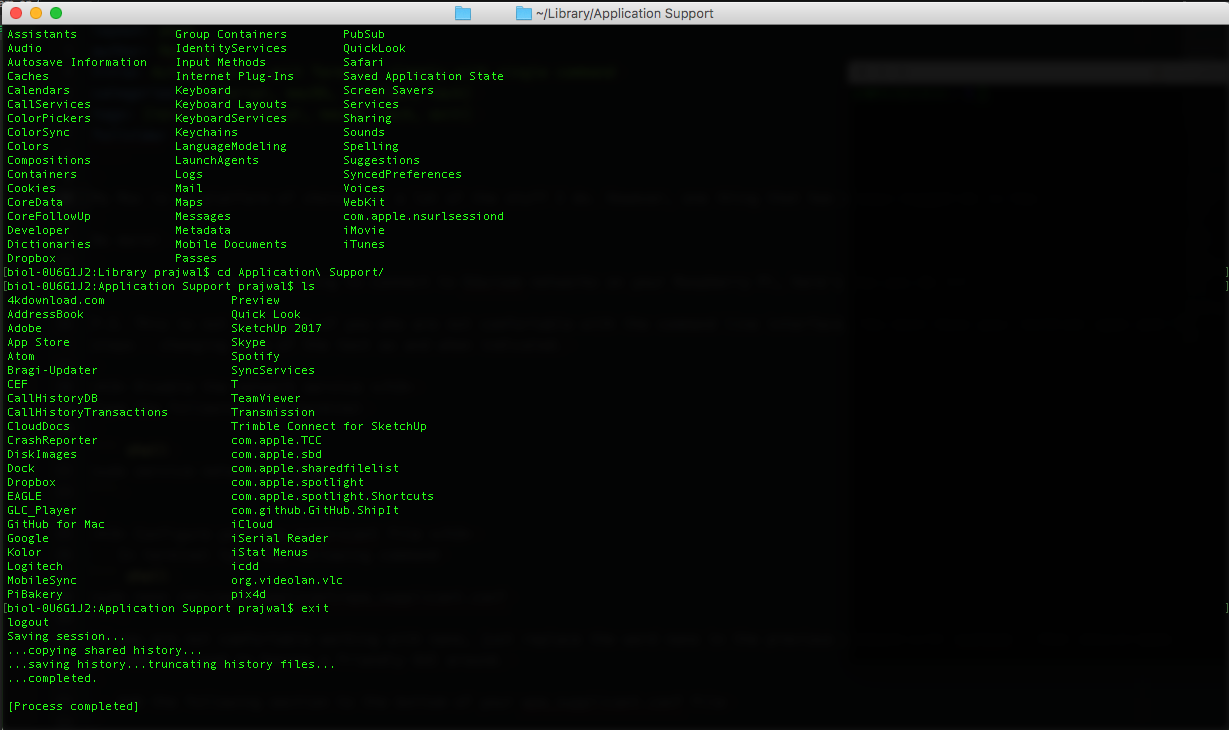
- Open Terminal’s settings.
- Select the Profiles tab.
- Under When the shell exits, select Close if the shell exited cleanly.
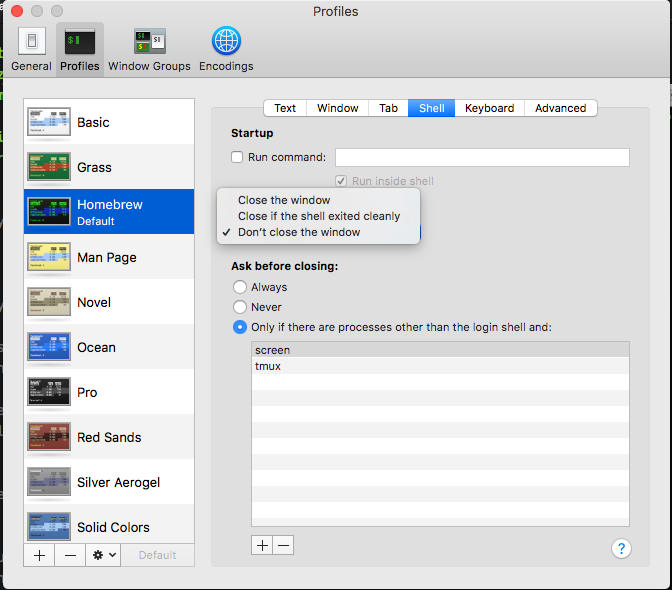
Close the settings window. From then on, exit ends the shell and closes its Terminal window when the shell exits cleanly.
Add a custom quit command
The original version of this setup used Bash. Open .bash_profile:
nano ~/.bash_profileAdd the following alias and save the file:
alias quit='osascript -e "do shell script \"osascript -e \\\"tell application \\\\\\\"Terminal\\\\\\\" to quit\\\" &> /dev/null &\""; exit'You can replace quit with another command name. On a current macOS installation using Zsh, the equivalent shell configuration normally belongs in .zshrc; review the command before carrying this old alias into a newer setup.