
Projects / Amateur Radio Repair
From Busted Screen to Fully Functional Satellite Radio
Repairing an ID-5100A head unit with replacement touch screen and LCD parts sourced directly from Icom Australia.
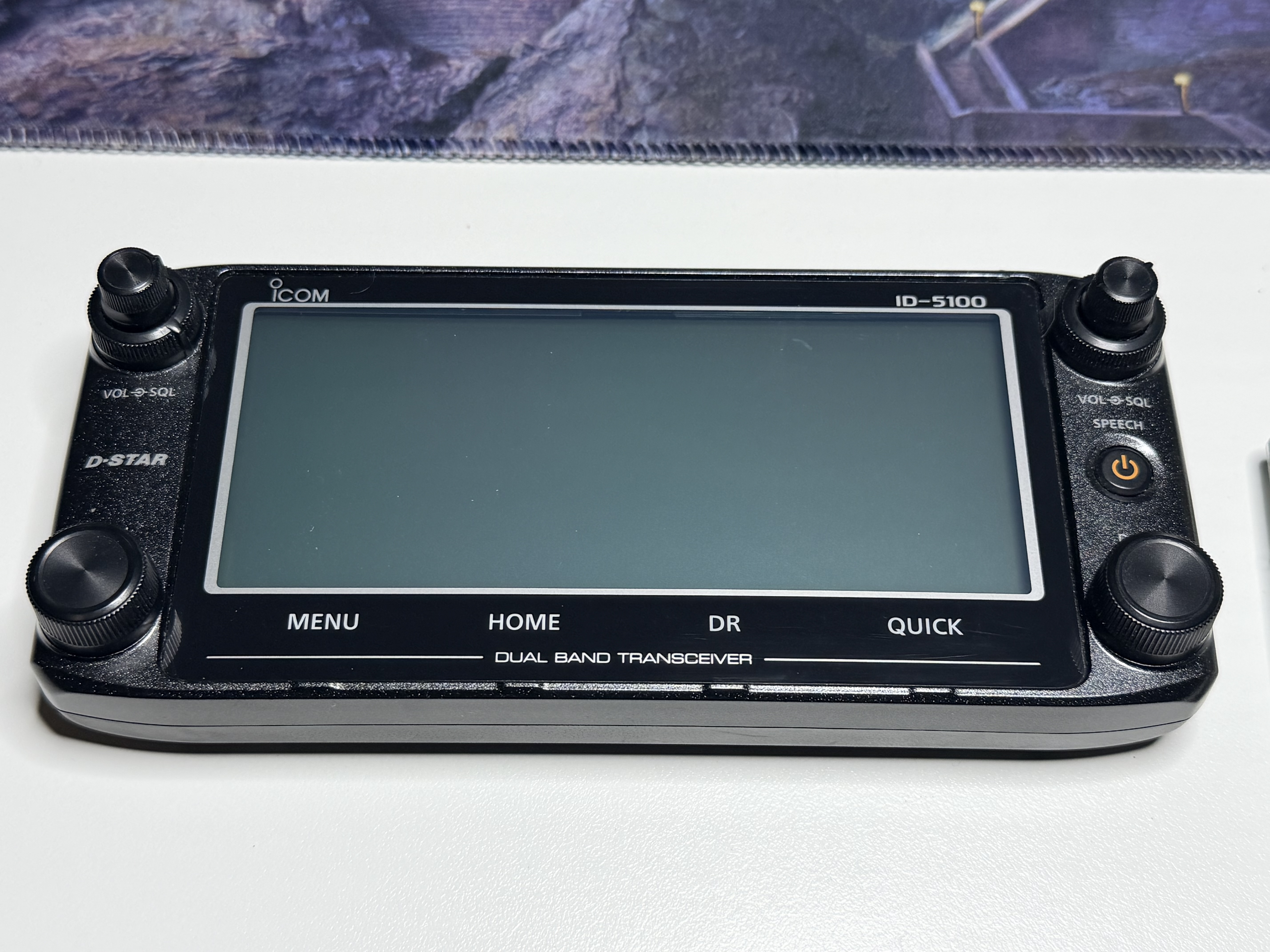
I picked up this second-hand Icom ID-5100A for A$350 because the head unit screen was thoroughly busted. The damage was bad enough that the radio only made sense at the right price, and A$350 put it firmly in the “worth saving” category rather than the “this may become a character-building financial mistake” category.
The first question was whether I could actually get the parts. A cheap damaged radio is considerably less attractive if the repair depends on finding a donor controller on the far side of the internet, so I contacted Icom Australia and asked.
They could supply both parts directly.
The WT5039-E touch screen (EP1 6910024590) was A$95.88 plus GST, while the JIC-MSGF013343-01 LCD (DS1 5030003870) was A$125.61 plus GST. Freight and handling added A$15 plus GST, bringing the parts order to A$260.14 including GST.
That put the radio at A$610.14 all up if the repair worked, which was still perfectly reasonable for an ID-5100A I actually wanted to use.
Getting the right parts
There is a big difference between a manufacturer theoretically supporting repair and a manufacturer actually making repair possible for normal people.
Icom Australia did the latter. They were responsive, clear about what I needed and happy to sell the parts directly, without turning the exercise into some strange negotiation about whether an owner should be allowed access to a replacement screen.
That should not feel unusual, but too much modern technology is held together by glue, vibes, proprietary nonsense and corporate suspicion toward anyone holding a screwdriver. The usual repair experience seems to range from “we do not supply that part” to “please buy a new product and reflect on your choices”.
This was refreshingly different. I had the proper Icom parts, with the proper part numbers, and did not have to gamble on a dubious aftermarket listing with a title written in three languages and confidence in none of them.
The ID-5100A was worth the trouble too. It is a dual-band D-STAR mobile with 50 W on both VHF and UHF, dualwatch, GPS in the controller and the large touch display that rather defines the radio. I bought it with satellite work in mind, so this was never going to be a rescue project that ended with the radio sitting prettily on a shelf.
If I could get the controller working again, it was going straight back into service.
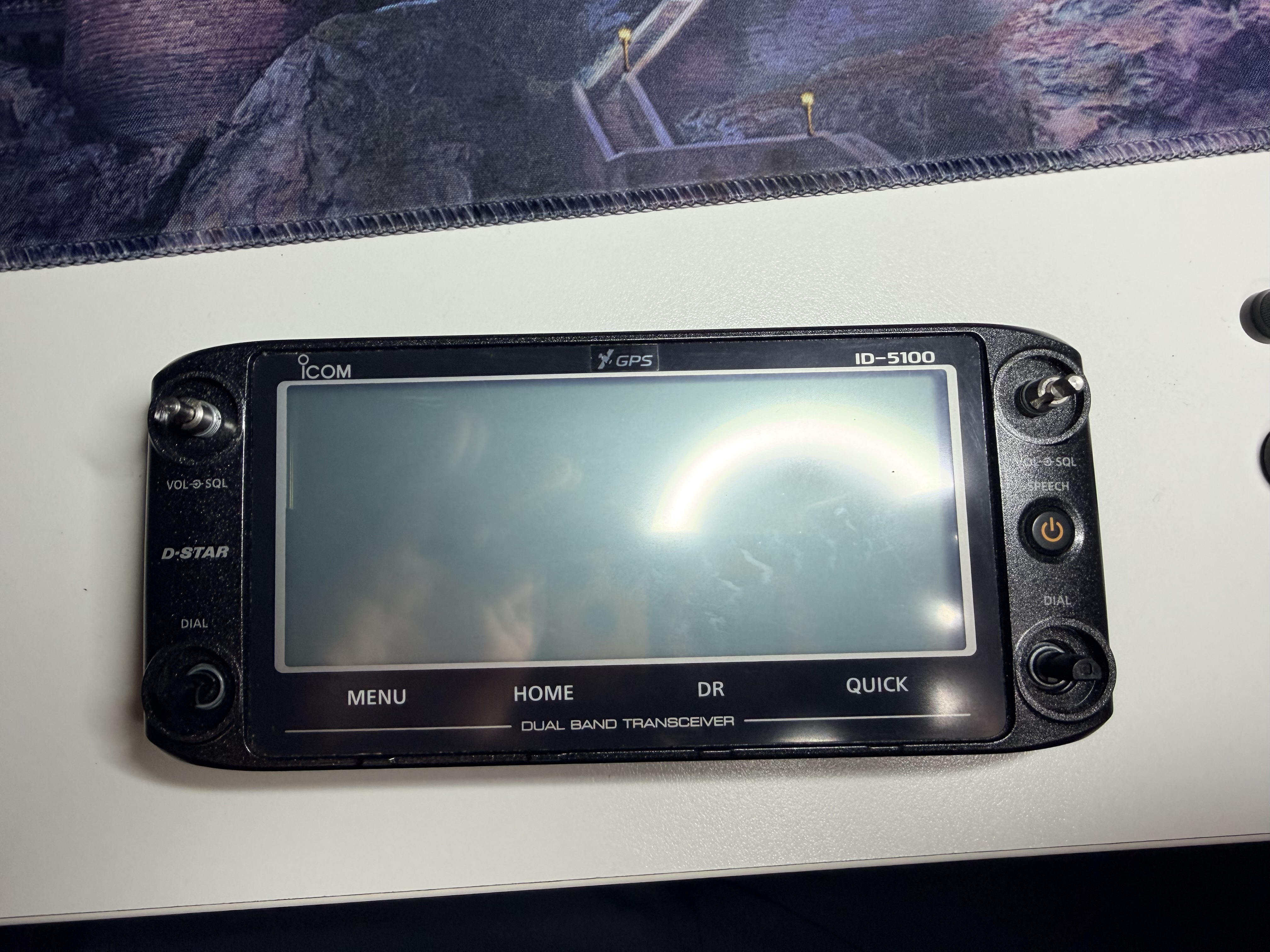
Inside the head unit
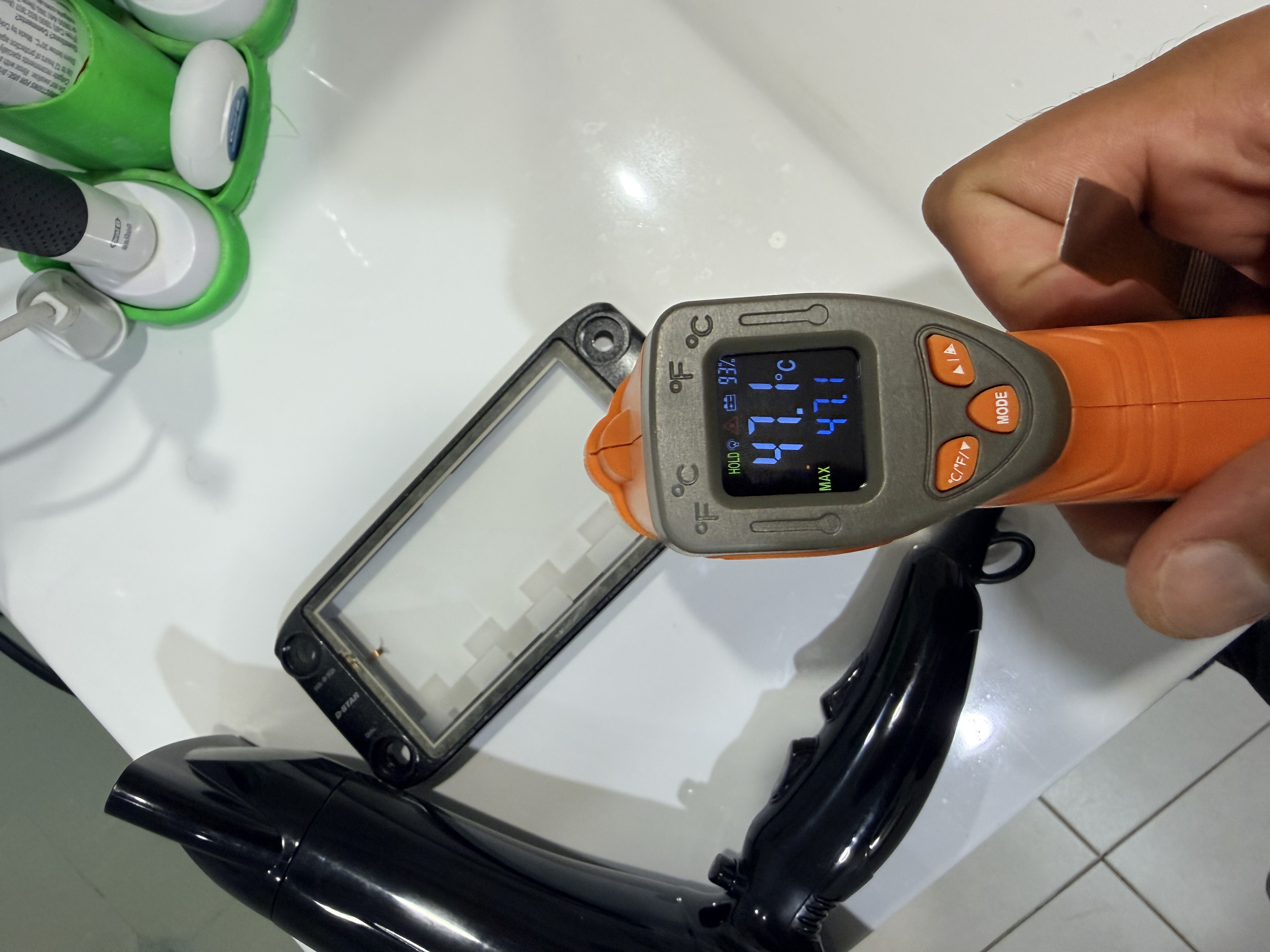
The tool list was pleasingly ordinary: Phillips screwdrivers in sizes 0 and 1, a couple of spudgers, tweezers and a hair dryer.
The hair dryer was, of course, not mine. Given my ongoing and deeply unfair disagreement with my hairline, I borrowed my XYL VK4KLB’s instead.
There is a joke somewhere in there about finally finding a piece of hair-care equipment with a clear role in amateur radio, but in practice it was genuinely useful. The difficult part of this repair was not some piece of deep electronics wizardry. It was adhesive, glass, ribbon tails and consequences, and a little heat makes that combination much easier to deal with.
The whole job also took longer than the “half an hour of surgery” description I joked about afterwards. The photos run from about 20:19 to 21:36 on 16 March 2026, so the complete session was around an hour and seventeen minutes. The actual screwdriver-and-spudger work was probably much closer to half an hour, while the rest disappeared into setup, photos, cleaning adhesive and deliberately not rushing the steps most likely to turn new parts into old mistakes.
Opening the controller itself was wonderfully normal.
A lot of modern electronics feels as though it was designed by a committee tasked with ensuring no human being ever reaches the inside without first encountering three screw types, two concealed clips, one ribbon cable trap and a final layer of personal insult.
The ID-5100A was refreshingly sane by comparison.
There were screws. They looked like screws. They held together the things you would expect screws to hold together. You remove them, and the radio opens.
What a radical and almost nostalgic design philosophy.
I am not pretending the ID-5100A comes from some lost golden age of enlightened mechanical purity. It was simply built by people who still appeared to believe that a front panel might eventually need servicing, and had therefore left a sensible way of getting into it.
I suspect I don’t appreciate that as much as I probably should.
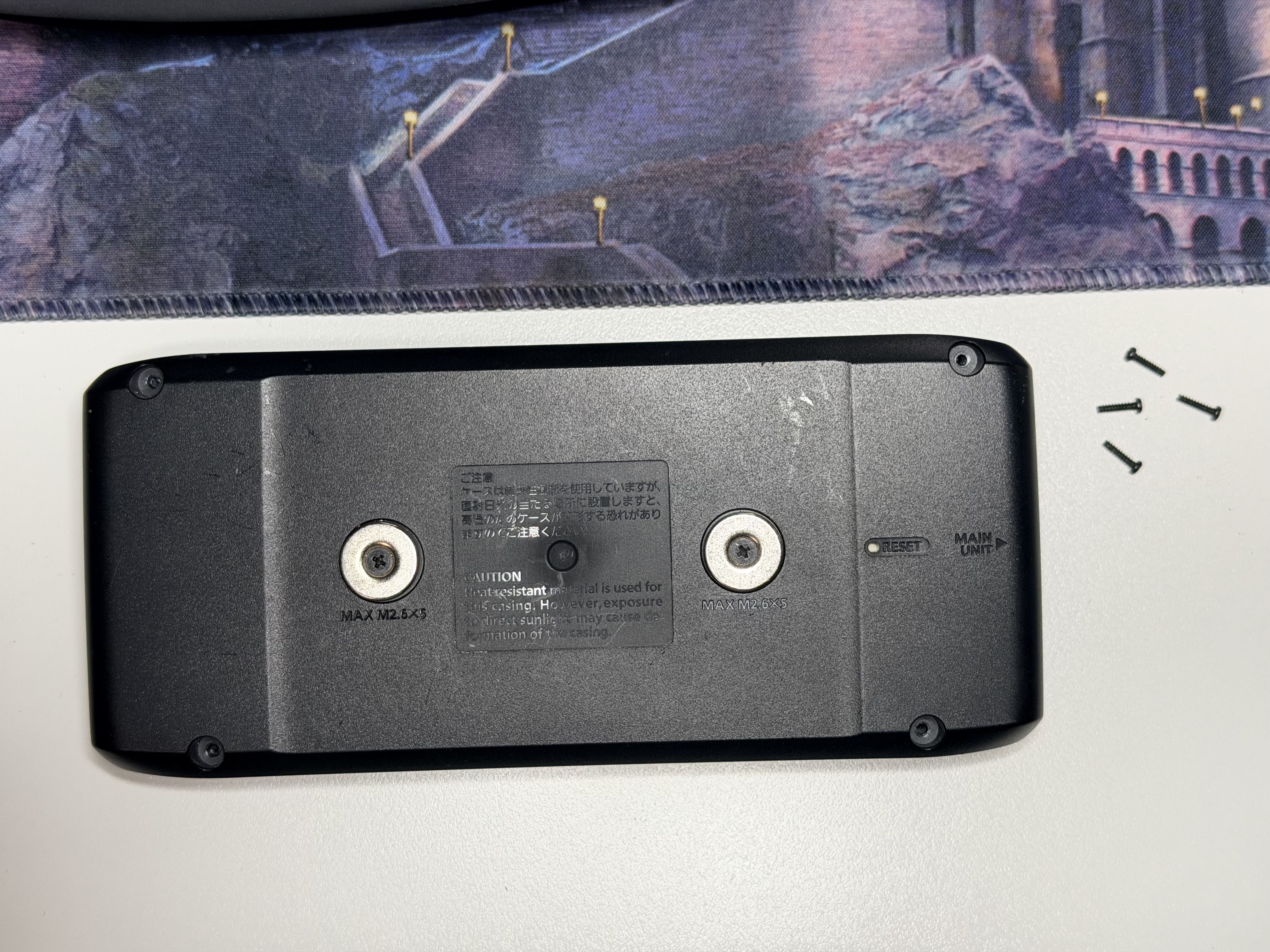
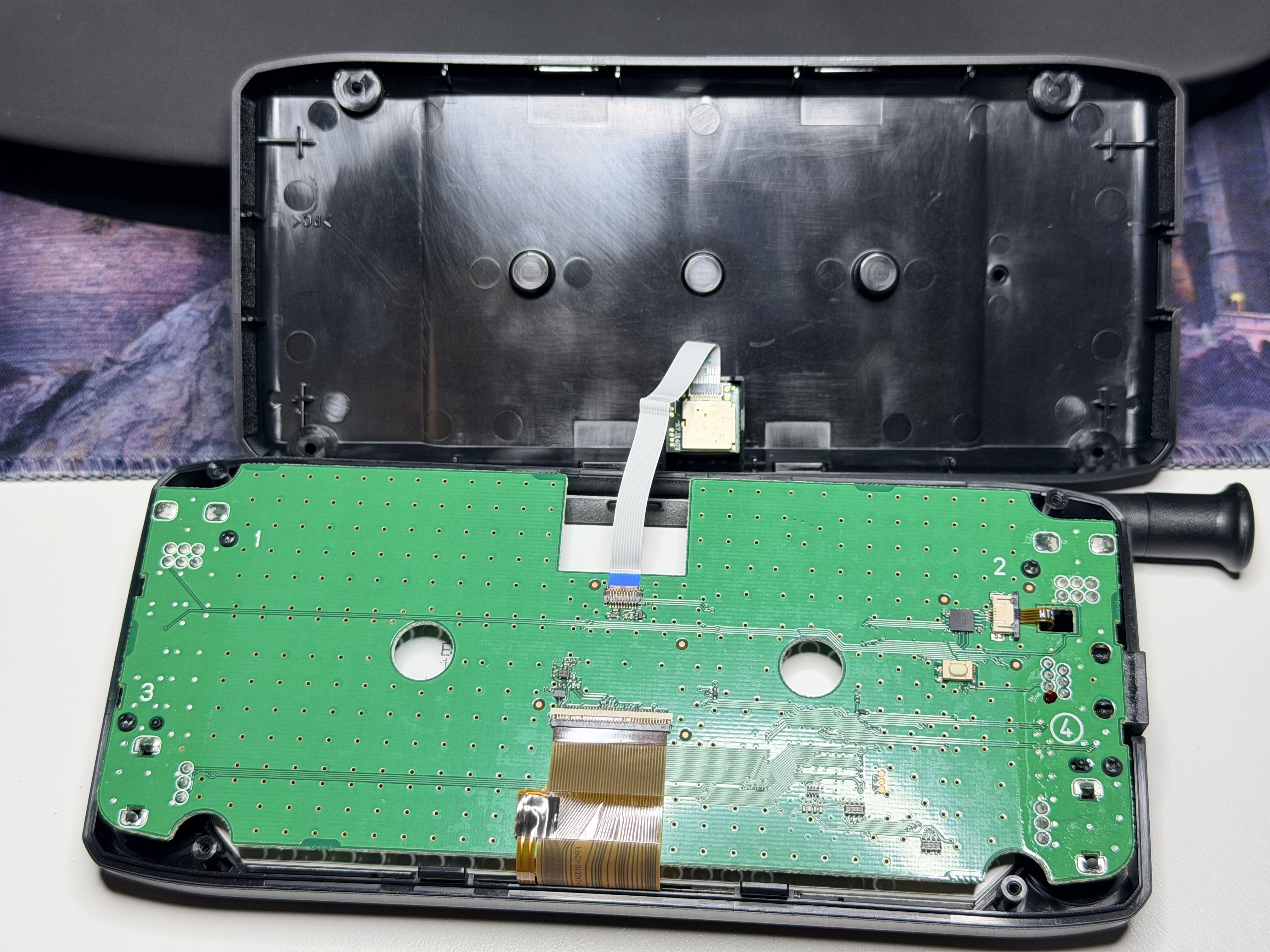
Once the back came off, the radio also stopped looking like a damaged appliance and started looking like a serviceable assembly. From the outside, a broken front display makes the entire controller look rather terminal. Inside, the important parts were laid out sensibly, the ribbons and connectors were accessible, and the damaged screen stack became an actual repair problem rather than a death sentence.
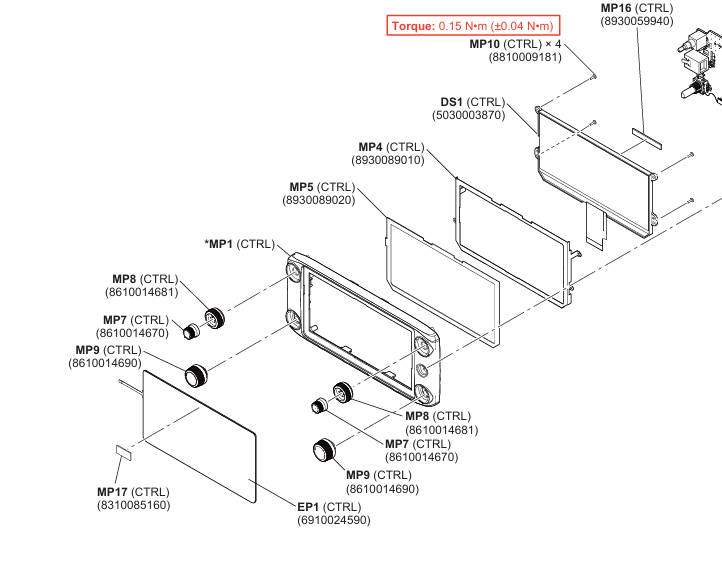
The service-manual exploded view helped here because it showed exactly how the front assembly went together before I started pulling it apart. The touch screen sits at the front, with the LCD behind it, and both are separate replaceable parts.
Rebuilding the display stack
Both the touch screen and LCD needed replacing, so the front-panel board had to come out far enough to get at the display ribbons and the adhesive holding the stack together.
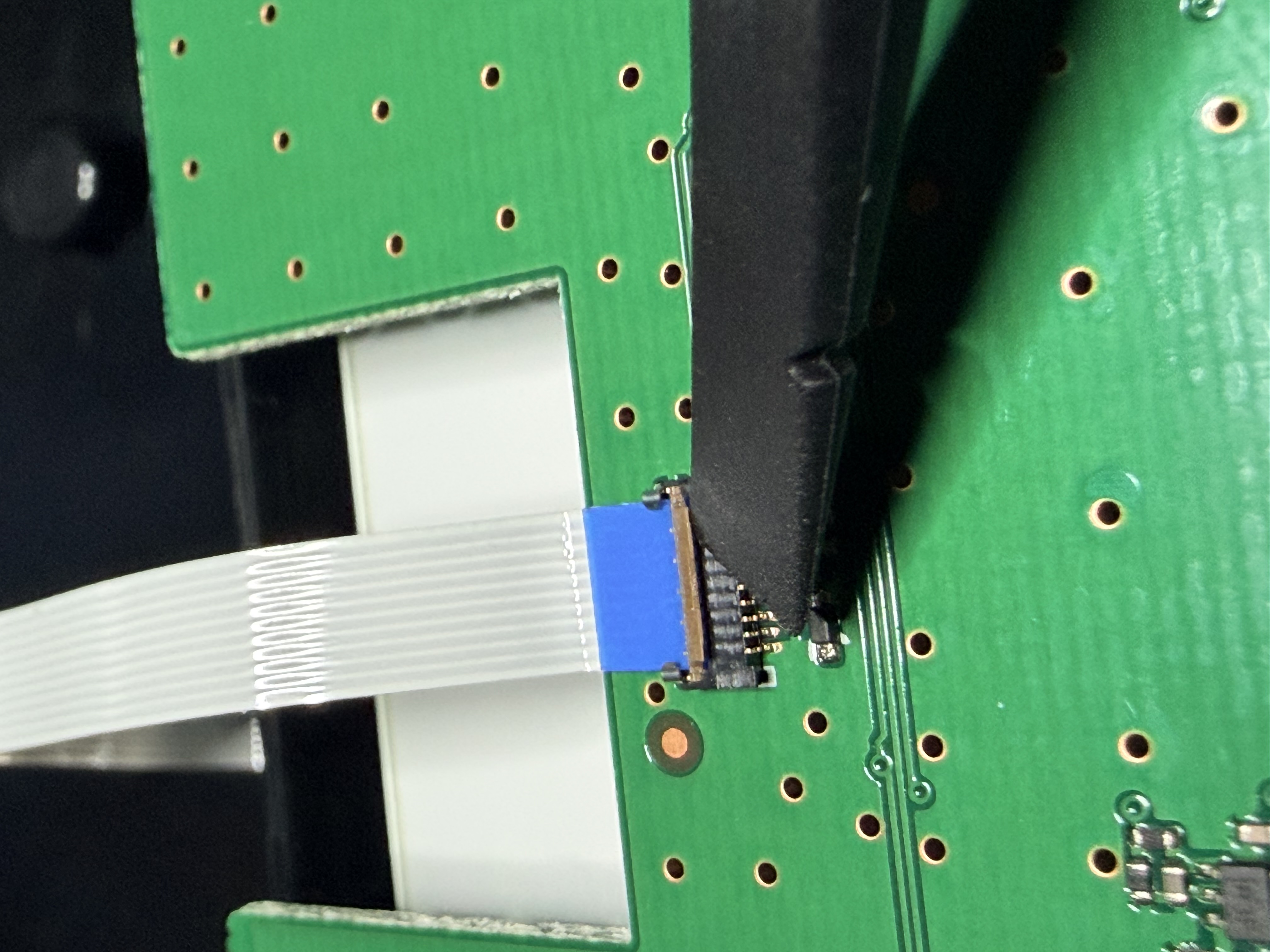
The touch-screen tail runs into a small connector on the board, and this was one of the points where patience mattered more than confidence. Ribbon connectors tend to punish the sentence “that’ll do” more harshly than almost anything else in electronics repair, so I took the time to work out exactly how the latch operated before touching it.
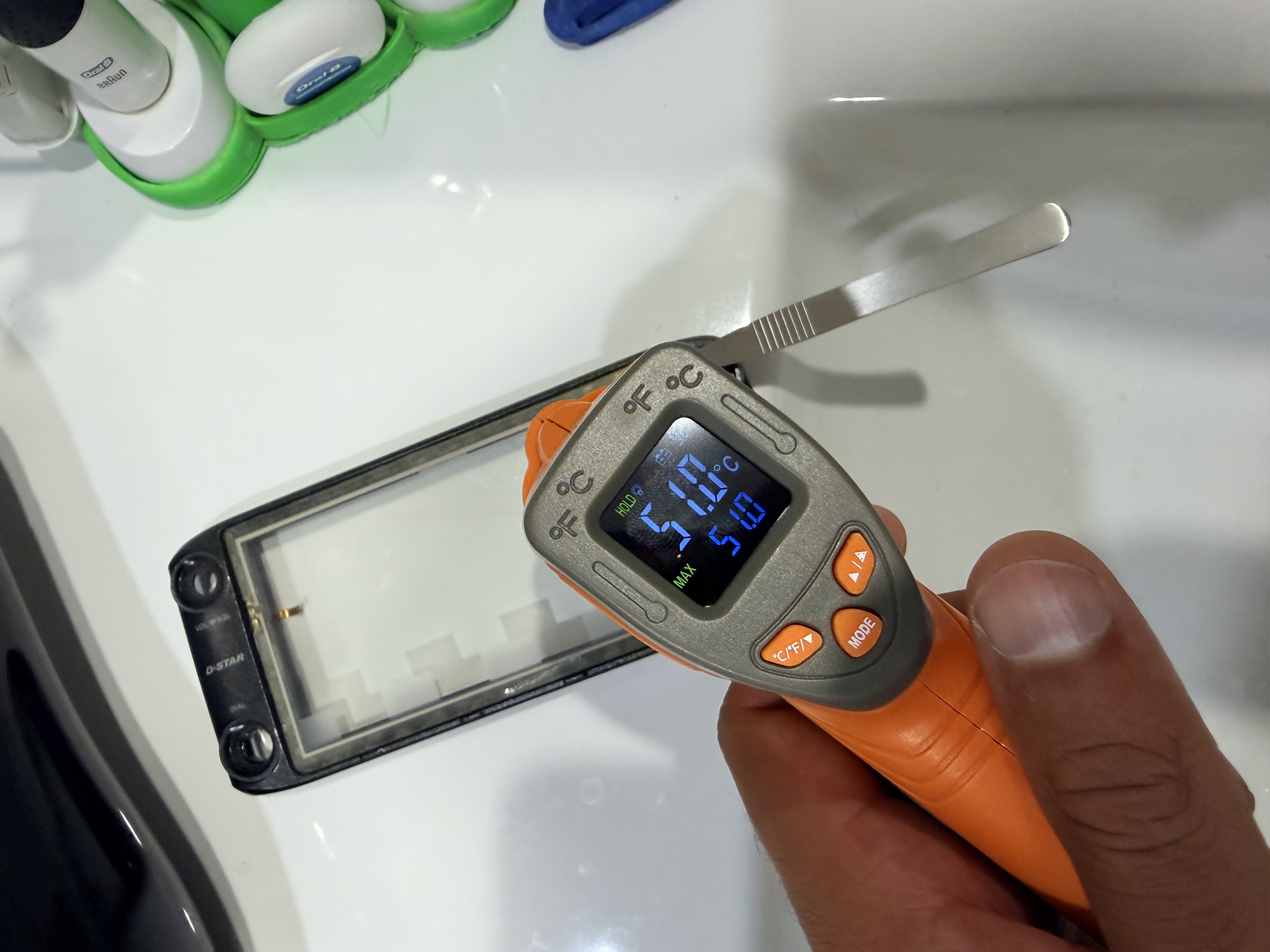
The adhesive was the part that needed the hair dryer. I warmed the front assembly gradually until it became workable, and one of the temperature shots shows the panel sitting at about 47.1 °C.
That was about where I wanted it: warm enough to soften the adhesive, not hot enough to qualify as arson.
From there it was gentle heat, careful leverage and a refusal to become impatient simply because the old adhesive had other plans. The risks were all the usual stupid little ones: cracking a replacement part, damaging the bezel, stressing a ribbon tail, leaving fingerprints somewhere inaccessible or discovering that “just peel it up carefully” was never going to be a complete instruction manual.
Eventually the adhesive gave up before I did.
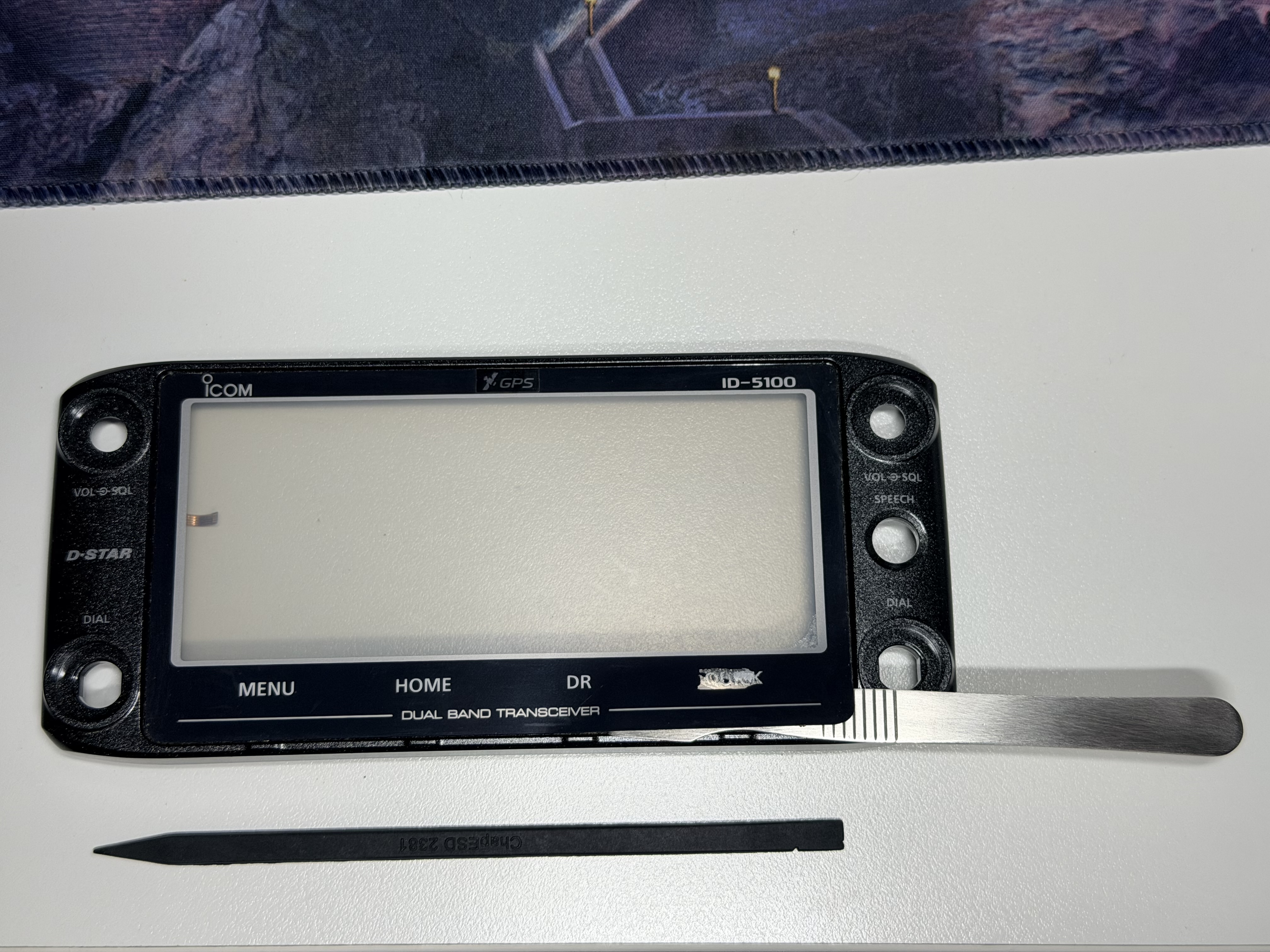
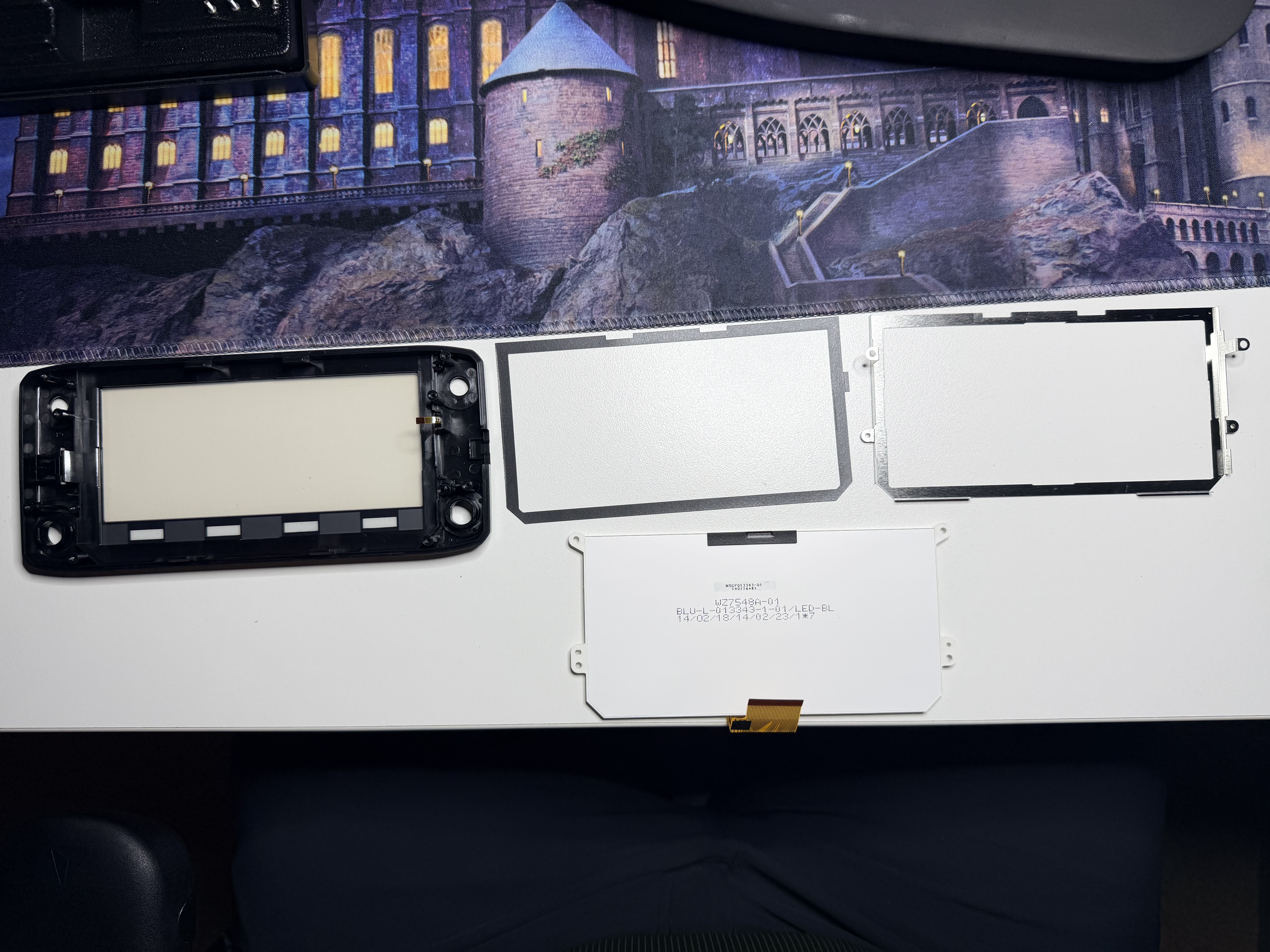
With the damaged screen parts out, the job became much calmer. I cleaned the old adhesive from the front assembly, fitted the replacement parts and routed the ribbon tails back where they belonged.
This is also the point where taking an extra few minutes matters. I did not want the radio merely working. I wanted the screen seated properly, the front panel clean and the controller to go back together without looking as though it had spent the evening scattered across my bench.
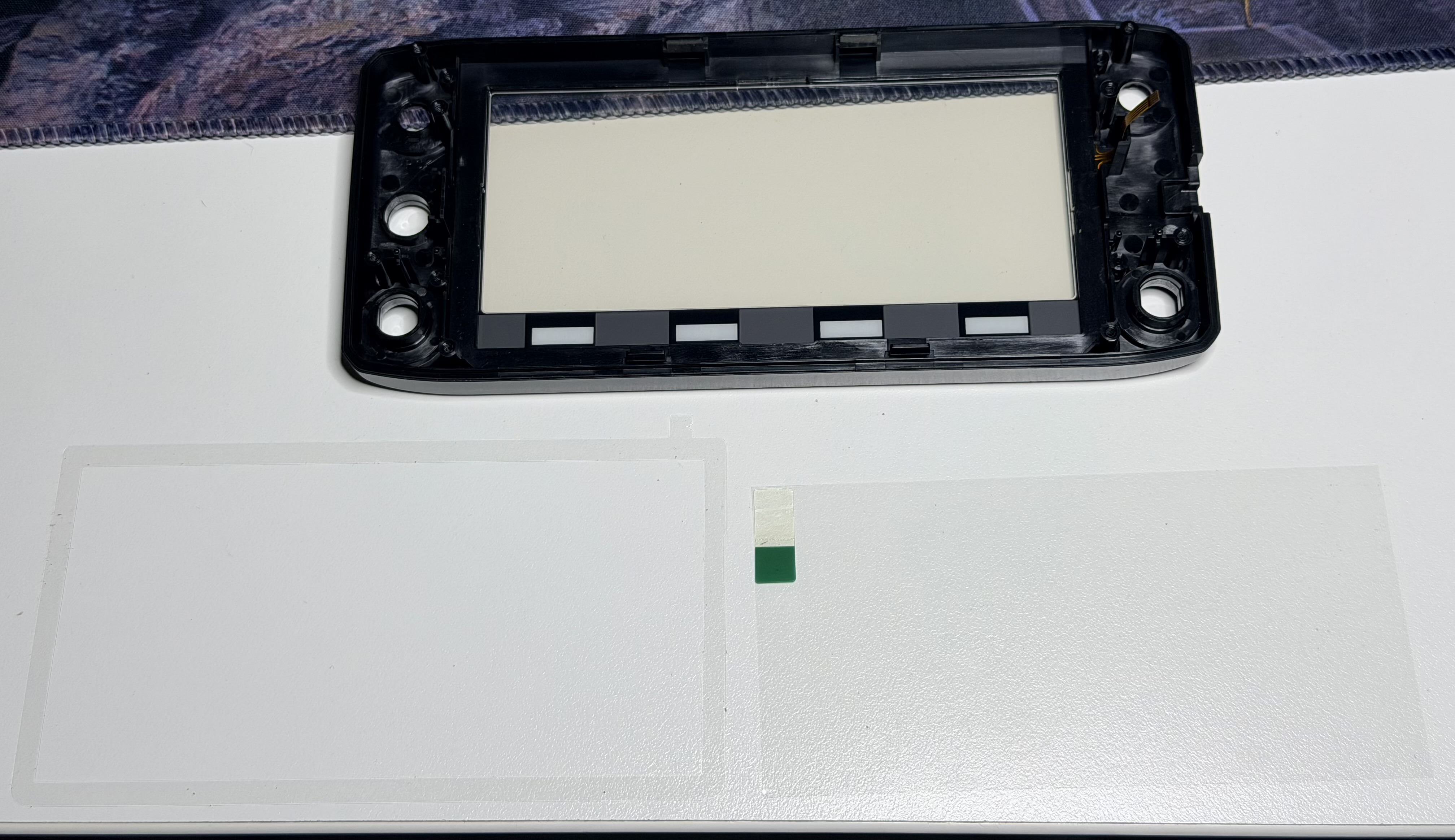
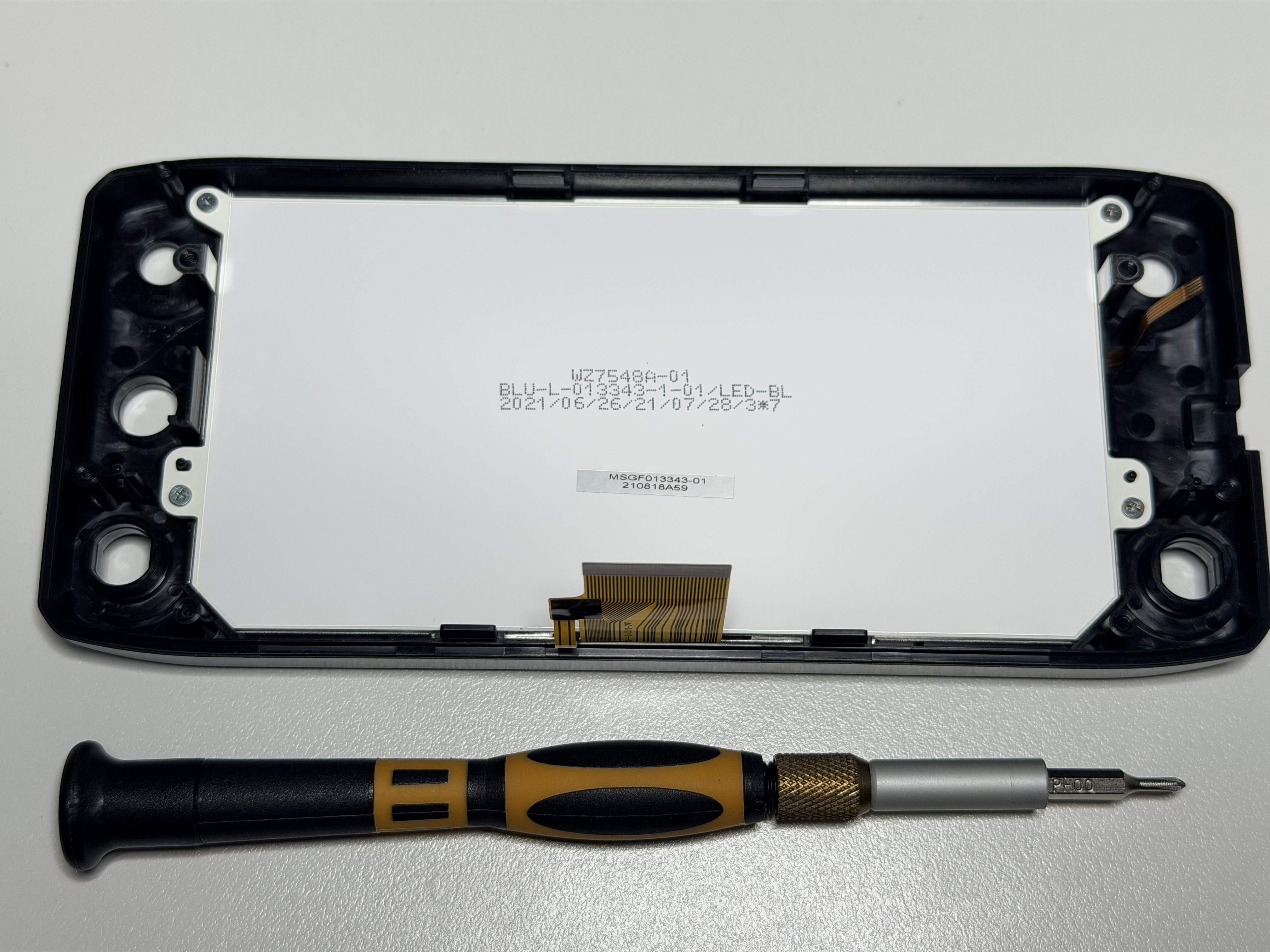
Fresh adhesive went in, followed by the LCD and touch screen, and I checked the alignment and ribbons before putting the board back.
There was also one small absurdity I had not expected: the GPS badge on the bezel is a separate sticker rather than part of the screen assembly.
Which meant that, somewhere in amongst replacing an LCD and touch panel, I found myself performing tiny sticker surgery with tweezers so the new front panel did not lose its identity.
Nothing says precision electronics repair quite like transplanting a decorative GPS sticker.
Back together and back in service
Reassembly was mostly the reverse of getting in: reconnect the ribbons, reseat the board, close the shell, reinstall the screws and refit the knobs without launching any small part into low Earth orbit.
None of that was technically difficult, but all of it was capable of becoming annoying if I rushed because the end was in sight. I checked the ribbons and board seating again, closed the shell and put everything back where it belonged.
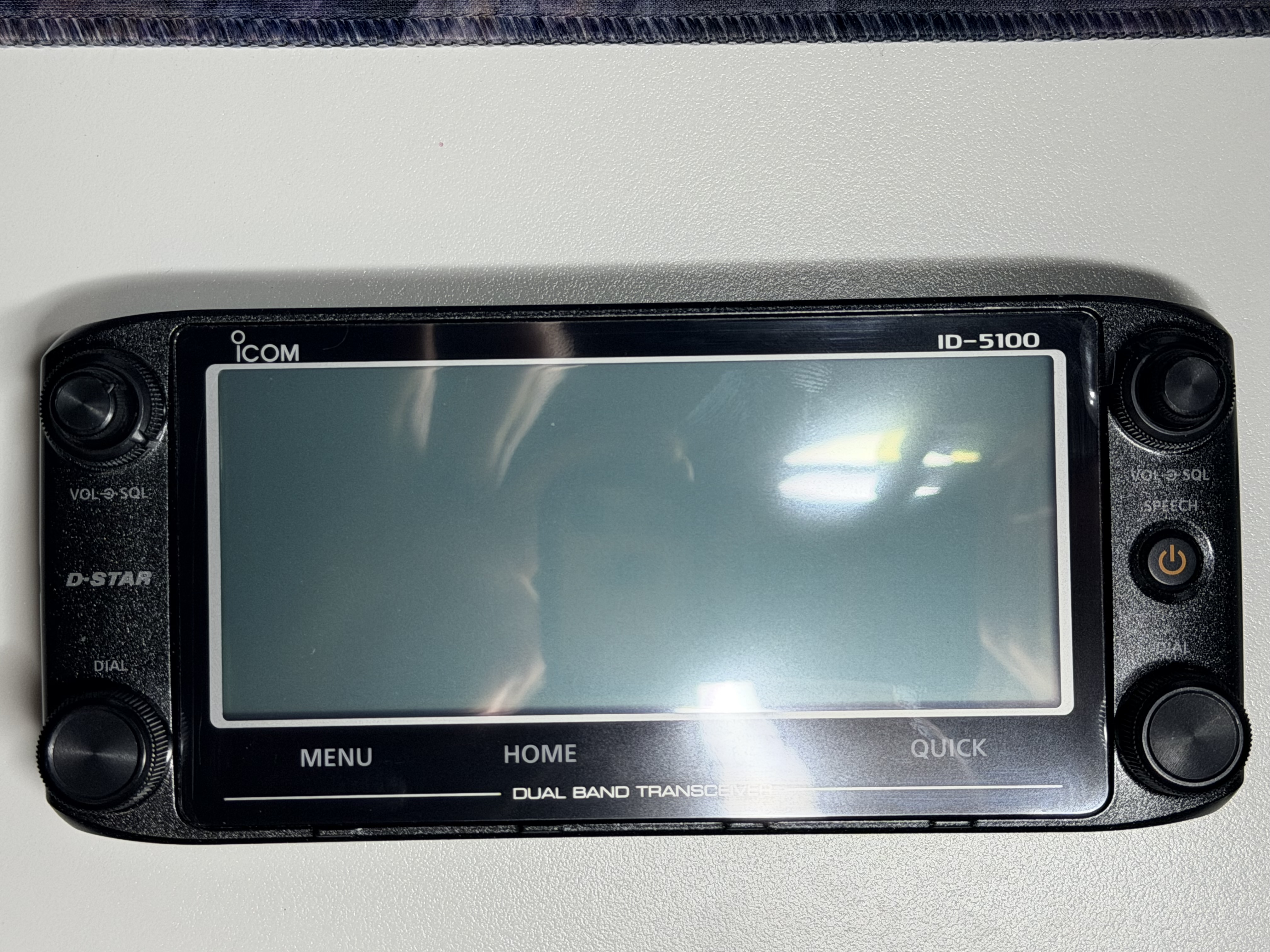
When I powered it up, the display came straight to life. The LCD was clean and readable, the touch panel responded properly, and there was no immediate need to open the controller again because I had forgotten something.
I will take that as a win.
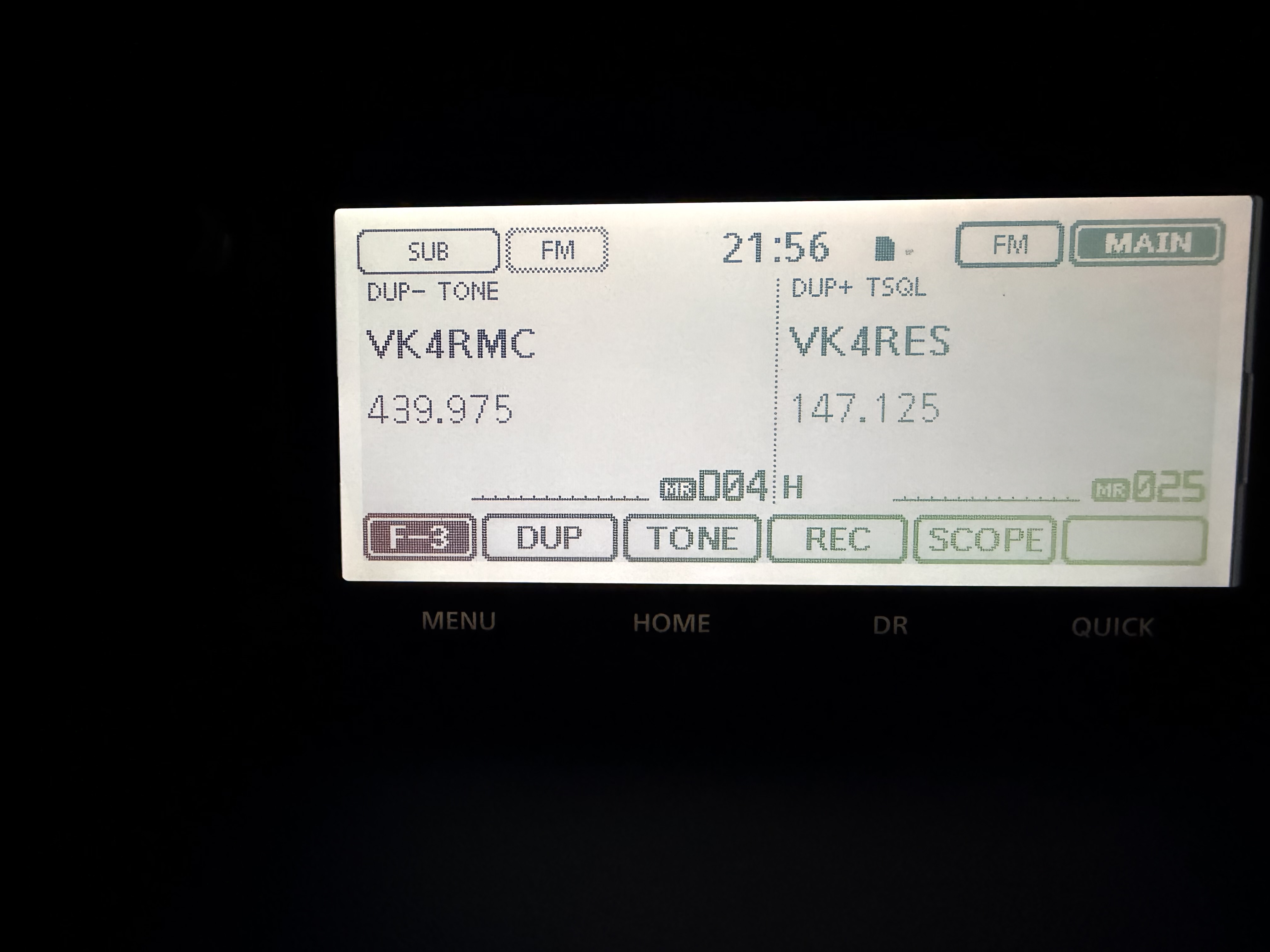
All up, I had A$350 in the damaged radio and A$260.14 in the new parts and freight. That is not “free radio” money, nor have I somehow defeated economics, but A$610.14 for a working ID-5100A I specifically wanted is perfectly reasonable to me.
More importantly, the repair stayed on the right side of complexity. It needed care, but not exotic equipment, board-level rework or an engineering seance. If you are comfortable opening equipment, dealing with small screws and ribbon cables, and applying heat with a little restraint, this is a very manageable sort of broken.
And this is where I think Icom deserves another mention. The radio was repairable because the failed parts were replaceable, but it was practically repairable because Icom Australia would actually sell them to me. There is a difference.
If I came across another damaged-screen ID-5100A cheaply enough, I would not write it off. Assuming the base unit is healthy and the parts are still available, this is a very salvageable failure.
The radio is now back in service for the satellite work I bought it for. I still need to fit a UT-133A Bluetooth module to the base unit, so naturally, after successfully getting the whole thing back together, I now have another reason to take it apart.